 TiviGrid
The whole night
on one grid.
Bring the IPTV account you already have. Get a colour-coded guide, catch-up and recording on iPhone and iPad.
- iPhone and iPad
- Picture in Picture
- AirPlay
- Catch-up
- No ads, no tracking
TiviGrid comes with no channels. It plays the account you bring from a provider you choose, and makes it look this good.
Every channel on this page is invented for the built-in Demo. Tap "Try the Demo" on the sign-in screen to explore the whole app before you add an account.
See what is on before you switch.
Each category gets its own colour, the live line moves with the clock, and a week of listings is one tap away.
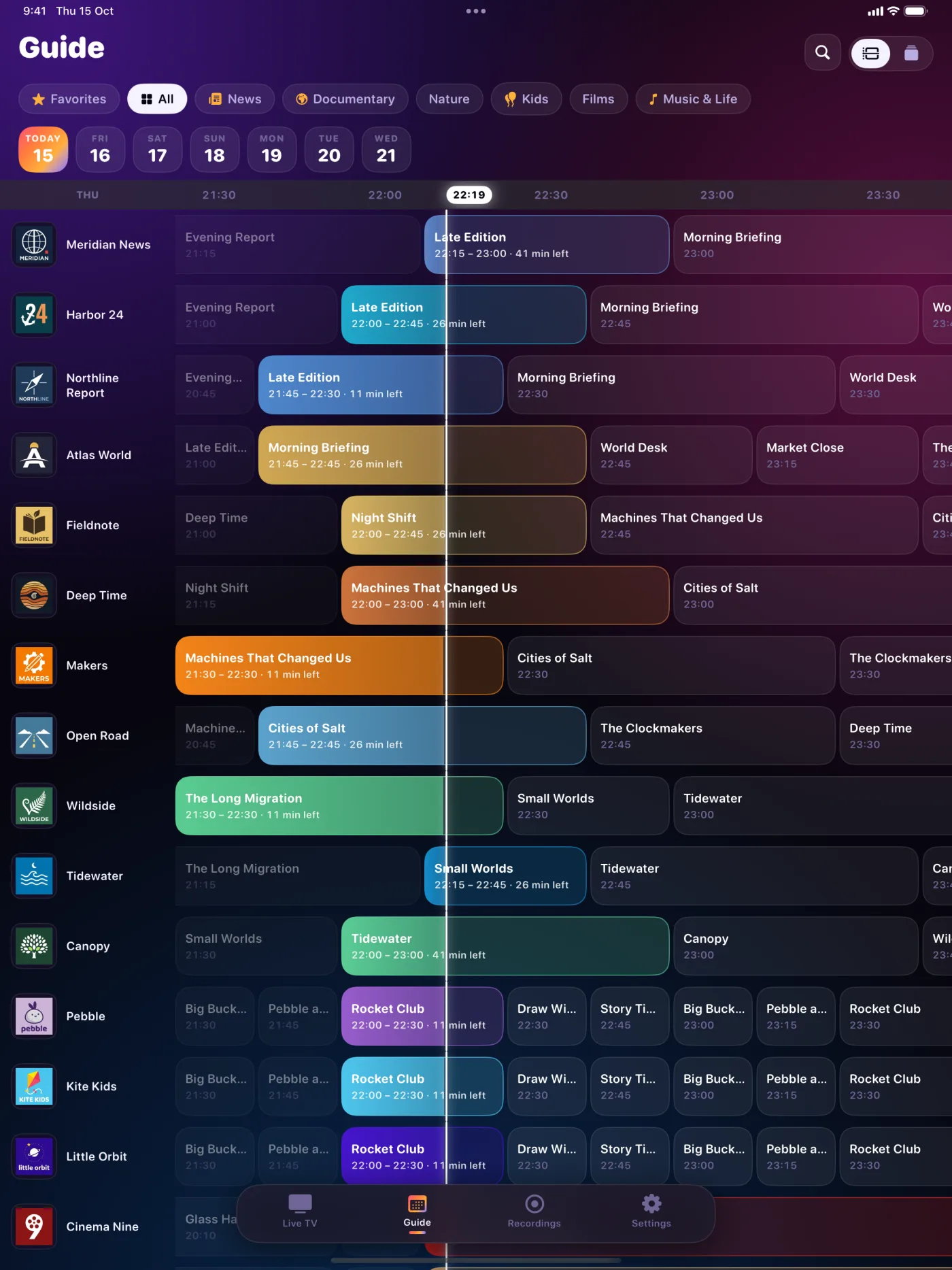
Colour by category
News, documentary, kids and films stand apart at a glance.
A week ahead
Jump between days, search titles, and open any programme to record it.
Add your own XMLTV
Extra guide sources by URL, matched to your channels by name.
Made for watching, not for menus.

Ambient light
A soft glow around the picture that follows the colours of the scene, like a bias light behind a TV.
Picture in Picture and AirPlay
Keep watching over other apps, or send the stream to your TV.
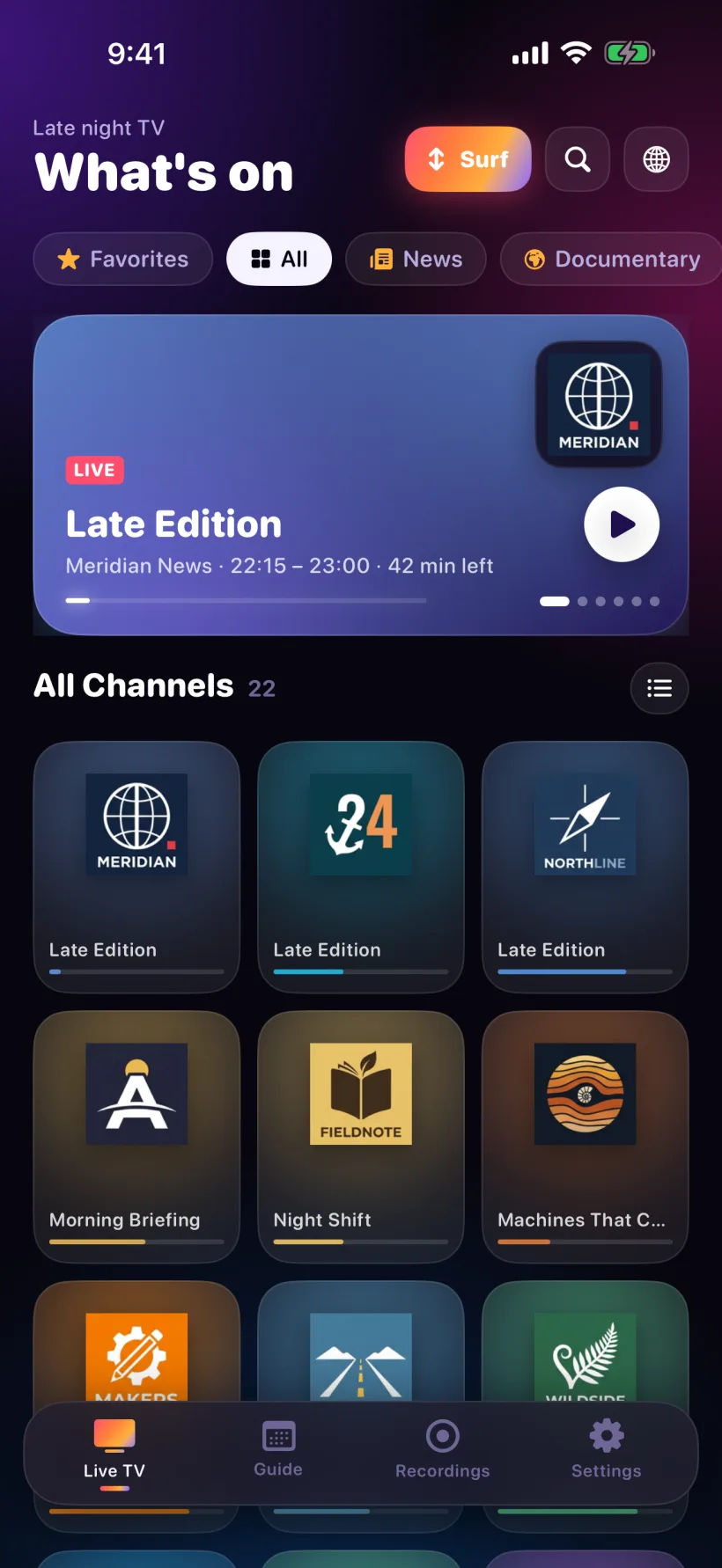
Surf mode
Swipe up or down to flip channels, like a remote.
Catch-up
Play past programmes where your provider keeps an archive.
Sign in your way
Server, username and password, or paste one M3U link.
- Several accounts, one tap to switch
- Passwords kept in the iOS Keychain
- Safe with one-connection accounts
Nothing to sign up for
No analytics, no ads, no account with us. Your accounts and recordings stay on your devices.
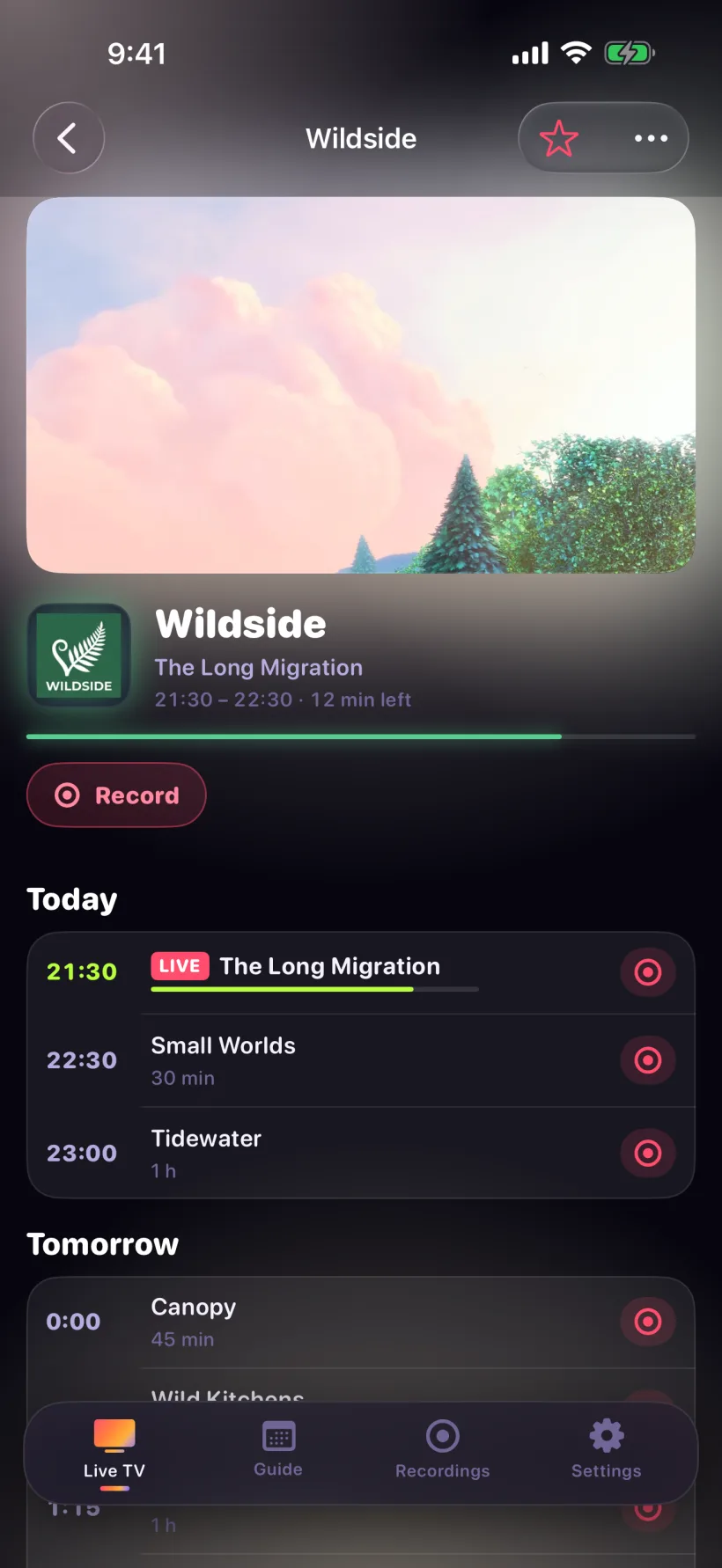
Record on the phone in your hand.
No set-top box, no cloud. Recordings are saved on your iPhone or iPad.
Record now
One tap while you watch, kept running in Picture in Picture.
Timers
Pick a programme in the guide, or set a manual time and channel.
Save catch-up
Download aired programmes in the background for offline viewing.
Export to Files
Every recording can leave the app as a standard .ts file.
Keep recording with your phone off.
Run the Recorder on a computer at home that stays on. It records your timers and streams them back to the app over your network or your own VPN.
Free download. Linking it to the app is part of Pro.
Recorder setup guideFree to watch. Pro to record.
Everything you need to watch.
- Live TV, favourites and Surf mode
- The full guide and search
- Catch-up playback
- Picture in Picture, AirPlay, ambient light
TiviGrid Pro
- Record on the device
- Timers from the guide
- Catch-up downloads
- Link your home Recorder
- Family Sharing included
Prices in US dollars; the App Store sets local prices. Subscriptions renew automatically unless cancelled at least 24 hours before the period ends, and are managed in your Apple Account settings. Purchases are subject to the Apple Standard EULA and our Terms of Service.
Questions
More in Support, or write to support@tivigrid.com.
Does TiviGrid include channels?
No. TiviGrid is a player. It does not sell, include or link to any channels, playlists or streams. You need an account from a provider you choose, and you may only play content you are entitled to watch.
Which accounts work?
Accounts that use the Xtream Codes API, entered as server, username and password, or as an M3U link that contains them.
Can I try it without an account?
Yes. "Try the Demo" on the sign-in screen opens 22 invented channels with a full week of guide data, playing open movies and public test streams. Pro features are unlocked in the Demo.
Do you collect any data?
No. There are no analytics, ads or tracking SDKs, and no account with us. Your sign-in details go only to the provider you entered. See the Privacy Policy.